The Evolution of USB: How It Became Essential for Every Gadget
Since its inception in the mid-1990s, USB (Universal Serial Bus) has undergone significant transformations that have made it a critical interface for nearly every gadget we use today. Initially designed to standardize the connection of peripherals to computers, USB quickly evolved from its USB 1.0 version, which supported data transfer rates of just 1.5 Mbps, to the USB 4.0 standard, which now boasts speeds of up to 40 Gbps. This evolution reflects not just technological advancements, but the growing demand for faster and more efficient connectivity in an increasingly digital world.
The versatility of USB has also played a pivotal role in its widespread adoption across various devices, from smartphones and tablets to printers and gaming consoles. Its ability to deliver both data and power through a single cable has led to innovations like USB-C, which is now becoming the universal port for charging and transferring data at high speeds. As a result, USB technology has not only enhanced user experience but has also adapted to meet the needs of modern technology, making it an indispensable component in our daily gadgetry.
If you're looking to expand your device connectivity, consider exploring the Top 10 Powered USB Hubs available today. These hubs provide additional ports, making it easy to connect multiple devices simultaneously without sacrificing power. Whether for home or office use, finding the right powered USB hub can significantly enhance your productivity.
USB Types Explained: Which One is Right for Your Devices?
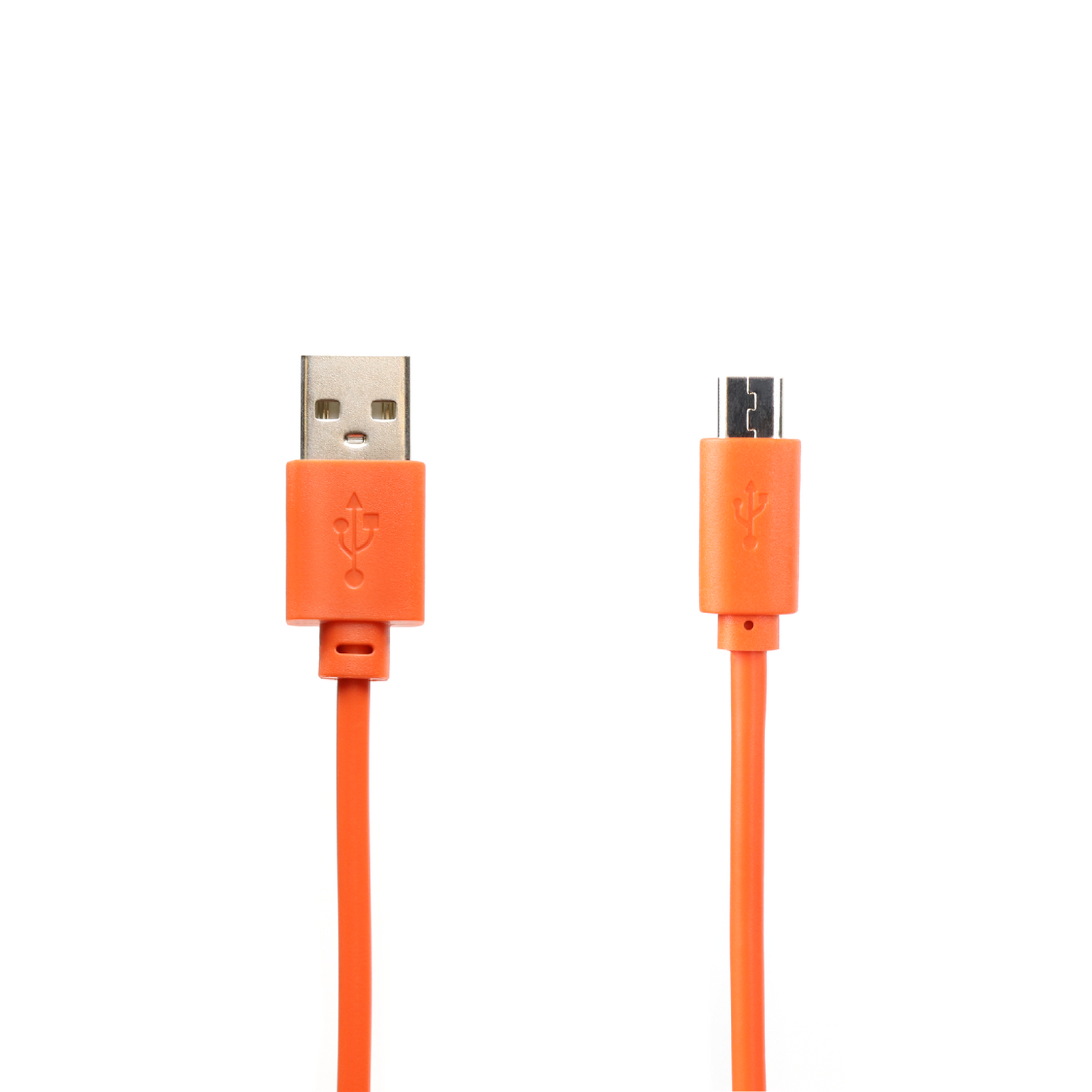
When it comes to USB types, understanding the differences can significantly enhance your experience with devices. The most common USB types include USB-A, USB-B, USB-C, and Micro-USB. Each type serves different purposes and is designed for specific devices. For instance, USB-A, the standard rectangular connector, is widely used for connecting computers to peripheral devices like keyboards and mice. USB-B connectors are typically found on larger devices like printers and scanners. Meanwhile, the versatile USB-C is gaining traction due to its faster data transfer rates and the ability to provide power, making it ideal for modern smartphones and laptops.
Choosing the right USB type for your devices is crucial to ensure compatibility and optimize performance. If you’re using newer devices, consider opting for USB-C, as it is the future of USB connections. It’s also important to note that while older USB types may still be compatible through adapters, there may be limitations in data transfer speeds and power delivery. For a quick reference, here’s a breakdown of which type suits various devices:
- USB-A: Keyboards, mice, USB drives
- USB-B: Printers, external hard drives
- USB-C: Laptops, smartphones, tablets
- Micro-USB: Older smartphones, certain tablets
Is Your USB Cable Working Hard Enough? Common Issues and Solutions
USB cables are essential for charging and data transfer, but many users may not realize that their USB cable might not be performing at its best. There are several common issues that can lead to poor connectivity or slower charging speeds. For instance, frayed wires, bent connectors, and compatibility issues can significantly hinder the functionality of your USB cable. It’s important to check for physical damage regularly and ensure that your cable is compatible with your devices. If you notice that your cable is heating up or the connection is intermittent, it may be time to troubleshoot or replace it.
To ensure that your USB cable is working hard enough, start by inspecting it for any visible signs of wear and tear. Common solutions include ensuring that the connectors are clean and free from debris, trying a different USB port, or testing with another device. If problems persist, consider investing in a high-quality cable that supports fast charging and data transfer. Additionally, using a USB hub with adequate power supply might help in alleviating some connectivity issues. By taking these steps, you can help maximize the efficiency of your USB cable and ensure that it's performing at its peak.